Context Window, Memory, and Performance in AI
You spent 20 minutes giving an AI assistant all the background on a project — company details, past decisions, the whole story. Next day, you open a new chat. It remembers nothing. You start over. Again.
That's not a bug. It's how AI is designed. And once you understand why, you'll know exactly how to work around it.
The Whiteboard Problem
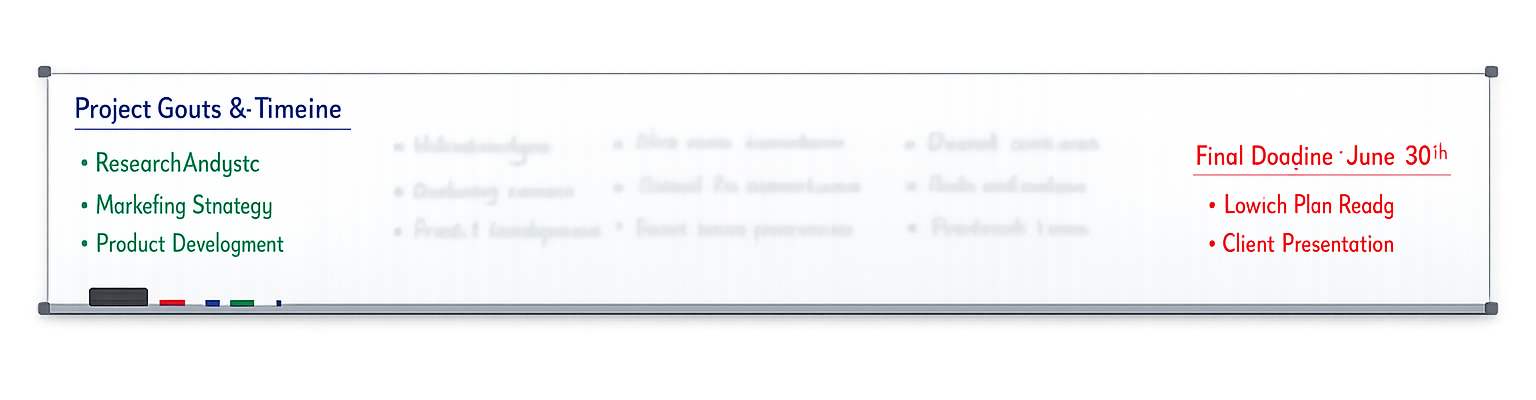
Imagine your entire conversation with AI is written on a whiteboard. Your messages, the AI's replies, any instructions, your current question — all of it, on one whiteboard.
The context window is the size of that whiteboard.
A small whiteboard (32K tokens) can only show your last few paragraphs. A large whiteboard (200K tokens) can display a novel-length conversation. But every whiteboard has an edge — and when your conversation reaches it, the oldest writing gets erased to make room.
Everything competes for space on the same board:
- Your previous messages
- The AI's previous responses
- System instructions or custom prompts
- The current question you're asking
This is why a long conversation eventually degrades. Not because the AI is "tired" — because the whiteboard is full, and old context is falling off the edge.
If you paste a 50-page document into a chat, what else is sharing that whiteboard? The AI's system instructions, your conversation history, and room for the response. That 50-page document might be eating 80% of available space — leaving little room for nuanced answers.
Size vs. Speed
How big are these whiteboards? Bigger than you'd think — but with a catch.
| Model | Context Window | Roughly Equals |
|---|---|---|
| GPT-4o | 128K tokens | A short novel (~96K words) |
| Claude 3.5 | 200K tokens | A thick novel (~150K words) |
| Gemini 2.0 | 1M+ tokens | A small library (~750K words) |
Sounds huge. But here's the counterintuitive part: bigger doesn't mean the AI pays equal attention to everything.
Research shows a "lost in the middle" problem — AI pays careful attention to information at the start and end of its context window, but material buried in the middle gets less focus. Feed it 100 pages, and pages 1-5 and 95-100 get the best treatment. Pages 40-60? The AI might skim right past them.
A 200K context window doesn't give you 200K tokens of equally useful space. Information at the start and end gets the most attention. If something is critical, put it at the beginning or end of your prompt — not buried in the middle.
Speed and Cost
Every token in your context window costs money — and time.
Speed: Larger context = slower responses. Processing a 32K context takes 1-2 seconds. A 200K context takes 5-10 seconds. In a workday where you're running dozens of queries, that difference adds up.
Cost: AI providers charge per token. More context = more tokens = higher bill.
| Context Size | Approx. Cost (GPT-4o) | Response Time |
|---|---|---|
| 5K tokens | $0.03 | ~1 second |
| 32K tokens | $0.16 | ~2 seconds |
| 128K tokens | $0.64 | ~4 seconds |
This is why pasting an entire 80-page report into every prompt is expensive and slow. A two-paragraph summary of the same report might give you 90% of the value at 5% of the cost.
Context cost isn't like a data plan with a flat monthly rate. Every token you send is billed. This means efficient prompting is a real skill — knowing what to include, what to summarize, and what to leave out saves real money.
Beat the Reset
AI's context window resets with every new conversation. Close the chat, and everything is gone. This is fundamentally different from human memory — and it's the single most frustrating thing for new users.
But pros have workarounds:
1. Start fresh for new topics. Don't pile unrelated questions into one long thread. Each new topic gets a new conversation — keeping context clean and focused.
2. Summarize before you paste. Instead of dumping a full document, give the AI a digest. "Here's a 3-paragraph summary of our Q4 report. Based on this, what trends do you see?" beats pasting 40 pages every time.
3. Use custom instructions. Most AI tools (ChatGPT, Claude, Gemini) let you set persistent instructions that load into every conversation automatically. Your role, your preferences, key context about your work — set it once and it's always there.
Warning signs you've hit the limit:
- The AI starts ignoring things you said earlier
- Responses become less coherent or contradictory
- The AI "forgets" context you just provided
- Answers get generic instead of specific
Open your AI tool's settings and look for "Custom Instructions" or "System Prompt." Add 2-3 sentences about your role and what you typically use AI for. This context will load automatically into every new conversation — saving you from repeating yourself every time.
You now understand how AI processes your text — from tokens to embeddings to parameters to context windows. But where did all that knowledge come from in the first place? And what actually happens when the AI generates a response? That's the difference between training and inference.
Next up: Training and Inference — how AI learns, and what happens when it answers you.
Good Read
- What is a context window? — IBM
- What is a context window? — McKinsey
- LLM context windows: what they are & how they work — Redis
- The Context Window: Your AI's Memory — GPT Workspace